
Watch US TV Abroad with FlixnetIPTV: Local News, Live Games and Movies from Anywhere
Living or traveling outside the United States? Here is how FlixnetIPTV brings your local news, your team and your favorite shows with…
Read the guide
FlixnetIPTV combines the channels you check every evening – local ABC, CBS, NBC and FOX, cable news, ESPN – with NFL, NBA, MLB and NHL games and a 100,000-title on-demand catalog. Open it on your smart TV, Fire TV Stick, phone or laptop. No box rental, no technician and no yearly contract to sign.
Your FlixnetIPTV account works with M3U and Xtream Codes, so it loads in all the well-known players. Whether you watch on a TV, a phone, a stick or a computer, the first setup takes about five minutes and zero technical skill.






FlixnetIPTV runs on Samsung and LG smart TVs, Google TV and Android TV, any Fire TV Stick, MAG and Formuler boxes, plus phones, tablets and computers with VLC or IPTV Smarters Pro. Step-by-step screens for each one are in our setup guide.
You pay once for the full period. No monthly invoice, no hardware fee, no hidden “sports surcharge”. And if FlixnetIPTV refuses to run on your device, you get your money back within 7 days.
A full season to test FlixnetIPTV on your own TV and your own internet.
Every season, every movie night, every finale – twelve months for one payment.
The game on the big TV downstairs, a movie on the bedroom TV – at the same moment.
The FlixnetIPTV trial opens the same lineup and the same movie library as a paid plan. Only the length changes, plus the 7-day guarantee that starts on the day you buy.
| What we compare | Free trial | 3 months | 12 months | Family 12 months |
|---|---|---|---|---|
| Price | $0 | $29 | $65 | $95 |
| Length | 24 hours | 3 months | 12 months | 12 months |
| Per month | – | about $9.67 | about $5.42 | about $7.92 |
| 25,000+ live channels | ||||
| ABC, CBS, NBC, FOX and local news | ||||
| Sports in 4K and 60 FPS | ||||
| 100,000+ movies and series | ||||
| Screens at once | 1 | 1 | 1 | 2 |
| Setup help | ||||
| Card when ordering | not needed | one-time payment | one-time payment | one-time payment |
| 7-day guarantee | not needed | |||
| Request | Order | Order | Order |
For most US fans the expensive part of TV is sports: one service for football Sundays, another for basketball, a league pass for baseball and a regional fee on top. FlixnetIPTV keeps those channels next to your news, your shows and your movies, in a single guide.
Sunday afternoon windows, the prime-time Sunday, Monday and Thursday games, the playoffs and the Super Bowl, and college football every Saturday through bowl season.
NBA from opening night to the Finals, WNBA summers and college basketball, including every round of March Madness.
MLB from spring to the World Series, with regional sports channels so you can stay with your club from any state.
NHL nights on national and regional channels, the Stanley Cup Playoffs and the outdoor classics.
MLS, Liga MX with Spanish commentary, the Premier League, the Champions League and the US national teams.
UFC and boxing cards, NASCAR all season, IndyCar and Formula 1, plus the golf and tennis majors.
The Super Bowl, Thanksgiving games or a deciding Game 7 can multiply the number of people watching at the same time. FlixnetIPTV adds capacity before those dates, and the main sports channels each have a backup source. If one feed slows, you switch to the backup in your player within seconds.
Sports channels stream at up to 60 frames per second, so a long throw or a fast break stays sharp. On catch-up channels, an afternoon game you missed at work can be replayed from the first minute after dinner.
Twelve months of games: football and hockey start in the fall, basketball and March Madness carry winter into spring, baseball fills the summer, and soccer, NASCAR and fight cards run all year. One FlixnetIPTV plan covers the entire calendar.
Pick your planAlmost every smart TV from 2017 onward plays FlixnetIPTV with no extra hardware. An older TV just needs a low-cost streaming stick, and an Android TV box connected to the router by cable gives the most stable picture of all.
Install a player from Google Play and watch on Wi-Fi at home or on 5G anywhere.
Players from the App Store cover every Apple screen, including the Mac.
Chromecast with Google TV, Nvidia Shield and other Android TV boxes.
MAG, Formuler and Enigma2 boxes, Windows and Mac computers, and consoles through a player app or the browser where available.
The favorite American way to turn an older TV into a streaming TV.
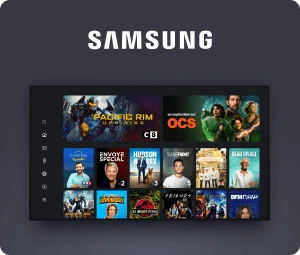
Get a player from the TV app store – no extra box needed.
The player is the part you touch every day, so it deserves a minute of thought. On Fire TV Sticks and Android TV boxes we like TiviMate best: a tidy guide, quick channel changes and simple favorites. On Samsung and LG TVs, IPTV Smarters Pro, IBO Player and SET IPTV are all solid. Apple devices have their own options, and on a computer VLC does the job.
The same FlixnetIPTV login works in all of them, so try two and keep the one you enjoy. Screens and steps per device are in the setup guide.
Usually not, but check first. Some provider boxes run Android and let you add apps; if yours does, the same player that runs on any Android box will run there too.
A box made only for coax, a dish or an antenna cannot open an internet stream. In that case a streaming stick in the HDMI port is the easy answer. It costs less than one month of a normal cable bill, lasts for years and lets you return the rented box.
A typical US household pays for TV in pieces: a cable or live TV streaming package, a broadcast fee, a regional sports fee, a pass for out-of-market games and one or two movie apps. Each line seems small, but together they quickly add up to more than a thousand dollars a year.
In our example, three services run in parallel at roughly $20–$80 a month each. Next to them sits the FlixnetIPTV yearly plan at $65, which covers channels, sports and the movie library together. These figures are estimates; what you save depends on what you pay today.
A fair price does not have to mean a shady one. Ours pays for servers that hold up on big nights and for a team that answers your messages. Be wary of “lifetime access” for a few dollars – those streams tend to vanish exactly at kickoff.
Three separate services: approx. $60–$240 a month, or $720–$2,880 a year.
FlixnetIPTV yearly plan: $65 one time, about $5.42 a month.
On top of that: no contract, no box rental, no broadcast or regional sports fee and no surprise charge. Want to keep one app you already pay for? Fine – several apps can share the same TV.
Most people return to the same ten or twenty channels every night. That is why FlixnetIPTV places the American networks and major cable channels at the top and arranges the rest in clear folders by country and theme.
On first login your player shows clean groups: US locals, US entertainment, news, sports, movies, kids, documentaries, Spanish-language TV and many countries from A to Z. Every channel shows what is on now and next, and search finds a channel or title after a few letters.
Popular channels exist in several versions: 4K, Full HD and a lighter HD stream. When the whole family is online at night, switch to the light version and the picture keeps flowing. On fast fiber, 4K makes games and nature shows look clearly sharper.
The channel list lives on our server. New channels simply appear in your player the next time it opens – nothing to download, nothing to reinstall.
Cartoons and family channels have their own folder, so children reach them without seeing adult content. Most players also let parents lock chosen categories with a PIN.
Popular channels
The electronic program guide (EPG) is something you open every day, so it must be accurate. The FlixnetIPTV guide uses your device clock – Eastern, Central, Mountain, Pacific, Alaska or Hawaii – and handles daylight saving time, so kickoff and the evening news appear at the exact time they air for you.
Look up to a week ahead, set reminders and, on catch-up channels, rewind to a show that already aired. Handy when a West Coast game starts late at night or an East Coast game begins while you are still at work.
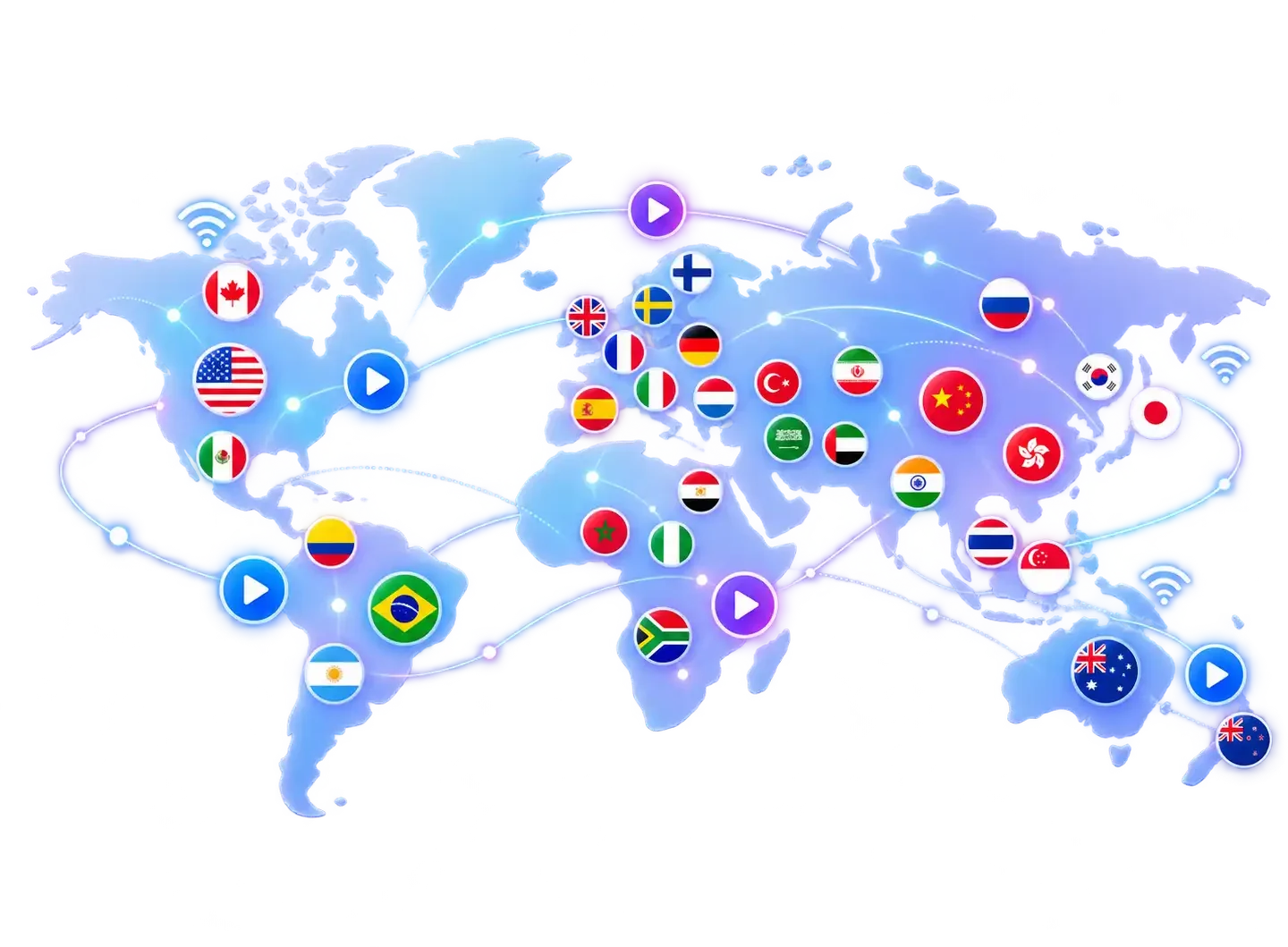
FlixnetIPTV is not locked to one address. Snowbirds in Florida or Arizona, RV owners, college students and families on vacation in Mexico or Europe see the same channels and library as at home, as long as the connection is fast enough.
For Americans who live abroad it is often the easiest link with home: the local news, the big game and a Friday movie, right next to the channels of the country where they now live.
The US channels come first, followed by Latin America, Europe, Asia and the rest of the world, each in its own folder. Perfect for the many American families who also watch news, sports and shows in a second language.
The best service is not the one that promises the most channels. It is the one that keeps running at 8 p.m. when everybody is watching, that makes your channels easy to find and that has a real person answering.
| What we compare | FlixnetIPTV | Cheap list from an unknown seller | Cable or satellite TV |
|---|---|---|---|
| Local US networks | Own folders, East and West feeds, guide in your time zone | Often messy or missing | Yes |
| Sports, movies and series | All in the same plan | Changes week to week | Sold as add-ons |
| Price | One-time $29–$95 | Cheap, no guarantee | Monthly bill, fees, contract |
| Devices | TV, stick, Android TV, phone, computer | No setup help | Usually their rented box |
| Help when something breaks | Chat support every day | Seller stops replying | Call center, long holds |
| If it does not work | Refund within 7 days | No refund | Depends on the contract |
The table also shows the traps. A ten-dollar yearly list looks tempting until the channels disappear one night and the seller goes quiet. Cable is reliable, but sports tiers and premium movie channels cost extra, box fees pile up and many offers tie you down for one or two years. FlixnetIPTV sits in the middle: a reasonable one-time price, clear terms and a team that really answers.
At FlixnetIPTV, local stations, regional sports and Spanish-language TV are not extras. They are part of every plan, each in a folder of its own.
Affiliates from New York, Boston, Philadelphia, Washington, Atlanta and Miami on the Eastern feed, with the main cable news and entertainment networks.
Chicago, Dallas, Houston, Detroit and more on Central time, plus the regional networks that carry local MLB, NBA and NHL teams.
Stations from Los Angeles, San Francisco, Seattle, Denver and Phoenix on Pacific and Mountain feeds, so prime time starts when it should.
Univision, Telemundo, UniMás and Latin American networks with novelas, news, Liga MX and Spanish calls of football and soccer.
For fans, regional sports channels are what really count. Moved from Philadelphia to Colorado, or from Detroit to the Carolinas? With East and West feeds and regional networks, you keep watching your own team instead of the game your new local station chooses. When a game is on several channels, pick the call you want: the national crew, the home broadcasters or the Spanish feed.
A TV service is judged by its worst night – usually the minute the picture freezes in the biggest game of the year, or halfway through a movie you waited all week for. FlixnetIPTV is designed around that moment: extra capacity for big nights, backup sources for sports channels and support that answers the same evening. This site is not affiliated with other companies or apps that use a similar name.
Spanish-language channels are also a nice extra for bilingual homes: children hear both languages every day, and anyone learning Spanish picks up natural phrasing from the news and the novelas.
The “flix” in our name is there for a reason. Next to live TV, every plan opens a large on-demand catalog, with fresh Hollywood and international titles each week and English subtitles on many of them. It feels like the streaming apps you already know: browse by genre, watch a trailer, press play and continue later on another screen from the same spot.
Selected movies play in 4K with richer color, and on a large TV the jump from Full HD is easy to see in action films and nature documentaries. The movie library has no separate monthly price.
When a stream stutters, the reason is usually in the house, not on the server. These five steps solve most cases – go through them before the next big game or movie night.
An Ethernet cable from the router to the TV or box removes almost every freeze. If a cable is not possible, a powerline adapter or a mesh point near the TV is a good compromise.
Most routers send out two networks. The 5 GHz one is faster and less crowded by neighbors, as long as the router is not several rooms away.
A router or ISP gateway that has been on for weeks slows down. Unplug it for thirty seconds and restart the TV or stick at the same time.
Players have a buffer option. Set it to medium and the app keeps a few seconds in reserve, so a short speed dip never reaches the screen.
When everyone at home is streaming, move the channel from 4K to Full HD. The difference is only visible on very big screens, and the pauses stop.
Send us a screenshot with your device and internet provider. We go through the settings with you, and if it still is not right in the first week, the guarantee protects you.
IPTV means Internet Protocol Television. In everyday words: the TV picture reaches you through the same internet connection you use for video calls and streaming apps. A server receives the broadcast and compresses it, and the app on your TV or phone turns it back into image and sound.
There is nothing exotic about it. The largest US cable, phone and live TV streaming companies deliver their channels the same way, and so do the networks' own apps. The difference is how many channels and how much content one service brings together.
Compare it with radio and podcasts. Antenna TV works like radio: everyone receives the same broadcast at the same moment. Internet TV is closer to a podcast: the show is sent when you ask for it, and you can often pause, rewind or watch it later.
That flexibility is why so many US households have cut the cord. When the TV, the stick and the phone share one connection, all your entertainment fits in one app and one plan, with the same guide, catch-up and search everywhere.
There are no invented testimonials or star scores on this page. Instead, here is what US viewers on forums and Reddit usually praise and criticize about IPTV services – and how FlixnetIPTV responds.
Paying a small share of a cable bill, having sports, channels and movies in one place, and the simplicity: once the player is set, the TV opens directly into the lineup.
Freezing in the final minutes, channels that vanish without notice and sellers who disappear after payment. Those are typical of the cheapest anonymous lists.
Traffic spread over several servers, a centrally maintained channel list and a support team on WhatsApp every day. If it does not work in the first week, you get a refund.
The technology itself is. IPTV is just a method for delivering video, and the biggest US cable, telecom and streaming companies rely on it daily. Whether a specific service is legal depends on the rights to the content it offers, and that is the provider's responsibility.
As a viewer, avoid services without contact details, terms or a refund policy. More detail is on the FlixnetIPTV reviews and FAQ page.
FlixnetIPTV is for people tired of paying for overlapping services and switching between five apps. You do not need to be technical: if you can install an app on your phone, you can install one on your TV, and our team guides you through the rest by chat.
Test your speed with your phone next to the TV, not next to the router. Below 15 Mbps? Try a network cable before paying your ISP for a faster plan.
The settings menu tells you if the TV runs Tizen, webOS, Roku OS, Fire TV or Google TV. With that, we can suggest the right player and set you up faster.
Do two people at home really watch different things at once? If not, a one-screen plan is enough, even with several devices.
Write down three channels, teams or shows you cannot do without. Ask us before ordering and you will know for sure.
Short plans are for testing; the year costs least per month. Nothing renews by itself, so there is nothing to cancel.
Read the refund policy before paying. With an honest service it is short and easy to understand.
A FlixnetIPTV order is not a subscription that silently renews. It is one payment for the period you pick, and the whole process takes under fifteen minutes.
No app-store or website account is needed. We only need an email address or WhatsApp number to send your login. Renewing, moving to a longer plan or adding a second screen later is done in the same chat, with nothing to reinstall.
You learn how good a service is the day something goes wrong. That is why FlixnetIPTV support is in the same place you ordered: WhatsApp, where the conversation is saved and sending a screenshot takes one tap. We answer in English seven days a week, evenings and weekends included – when Americans watch the most.
Most questions are about choosing a player, entering the login, guide times or buffering, and most are solved in a few messages. If the problem is on our side, we fix it and tell you what happened.
Short, honest answers to what people ask us before they order.
Three months cost $29, six months $44 and twelve months $65. The 12-month plan for two screens at the same time costs $95. Each plan is paid once and nothing is charged automatically when it ends. All plans have the same channels and library; a longer plan only lowers the price per month.
Usually a few minutes after payment. Your login comes by email and WhatsApp, and the first setup takes five to ten minutes. Nothing arrived? Check spam or promotions, or message us and we resend it.
Most likely not. Most Samsung, LG, Google TV and Android TV sets from 2017 onward work as they are. An older TV only needs a streaming stick in the HDMI port. Send us your TV model and we will tell you straight away if anything extra is needed.
About 15 Mbps for Full HD and 25 Mbps for 4K, measured at the TV. A cable or 5 GHz Wi-Fi helps stability more than a faster internet plan. Always test in the room where you watch, because walls and distance reduce Wi-Fi more than people think.
Yes, if the 4G LTE or 5G signal is strong. Unlimited data is best, since an hour of 4K uses several gigabytes. On a hotspot, pick the Full HD version of a channel: it uses less data and handles a weak signal better.
Yes. Local ABC, CBS, NBC and FOX affiliates with East and West feeds, regional sports networks and Spanish-language channels such as Univision and Telemundo are in every plan at no extra cost, each in its own folder with the guide in your time zone.
You can install it on every device at home; a standard plan streams on one screen at a time and the two-screen plan on two at once. Keep it on the living room TV, your phone and a tablet and watch on whichever is closest.
Streaming stops and your card is never charged. We remind you before the end date, and if you renew you keep the same login, favorites and player settings, so everything continues as before.
IPTV as a technology is legal and used by the largest American cable and streaming companies. Content rights are the provider's responsibility. A longer explanation is on the FlixnetIPTV reviews and FAQ page.
If FlixnetIPTV does not work during your first 7 days and our team cannot fix it, message us on WhatsApp or email [email protected]. The payment is returned to the original payment method. We only ask for a short description of the problem so we can avoid it for other customers.
Living or traveling outside the United States? Here is how FlixnetIPTV brings your local news, your team and your favorite shows with…
Read the guide
Football on one app, basketball on another, baseball on a league pass: sports fans pay a lot to follow their teams. Here…
Read the guide
There are many IPTV services, so why FlixnetIPTV? Here are seven concrete reasons, from the one-time price and the movie library to…
Read the guide